After a year of development and a $100,000 investment, without a clear software development blueprint to guide any of it, your software is finally ready. But the moment users try it, something is off. Features are missing, the workflow is clunky, and worst of all, your users don’t like it. Now, you’re faced with a tough reality: fixing it will take months, maybe even starting over.
Why did this happen? How did a year of work veer so off course?
Think about building a house. You wouldn’t start pouring concrete and installing walls without a blueprint. You’d need to know where the rooms go, how the plumbing connects, and whether the foundation can support a second floor. Without that plan, you’d end up with misplaced walls, missing doors, and a structure that just doesn’t work.
Software development is no different. A blueprint defines what you’re building, how everything fits together, and what’s needed to create something functional, scalable, and user-friendly. Without one, projects drift off course, budgets spiral, and timelines stretch.
Let’s break down why blueprinting is essential, what happens when you skip it, and how to build software the right way from the ground up.
What’s a Software Development Blueprint?
A software development blueprint is like the master plan for your project. A blueprint isn’t just a rough outline, it’s a structured plan that defines what the software does, how it functions, and how each component connects. It ensures your development team builds the right product, in the right order, with the right resources.
Why Is It So Important?
Let’s get this straight: a blueprint is essential to any custom software development process. It saves you from headaches, wasted money, and lost time. It’s what keeps you on track, making sure you’re building the right thing, the thing your users actually want and need. It’s the difference between a successful launch and a costly flop.
Key Components of a Blueprint
Requirement Analysis: This is where you dig deep. What do your users really need? What problem are you solving? It’s not just about the what, but the why. It’s like knowing you need a kitchen in a house, but also understanding how the person will use it.
Example: If you’re building a telehealth app, do doctors need real-time video or just messaging? Will patients book appointments through the app?
Architectural Design: This is the technical backbone of your project. How will your software be structured? How will different parts talk to each other? It’s like deciding whether you need an open-plan kitchen or separate rooms in a house.
Example: Will your app integrate with existing hospital systems, or does it need a standalone database?
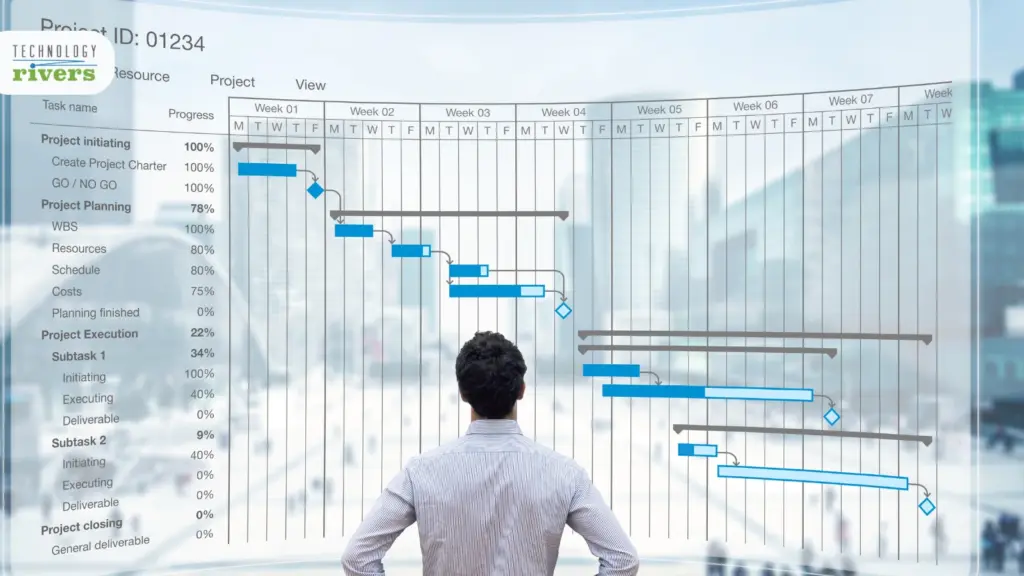
Developmental Roadmap: This is your timeline – the when and the how. It’s about planning out the phases of development, just like scheduling when to lay the foundation, build walls, and put up the roof in a house.
Example: For a healthcare platform, you might prioritize compliance features in the first phase and patient-facing features in the second.
Risks of Skipping the Blueprint
When you don’t have a blueprint for your project, you’re taking a significant risk. You might end up going in the wrong direction or not achieving what you wanted. The problems go beyond just missing the target. You could end up with software that’s hard to use, doesn’t appeal to users, or worst of all, fails to meet the users’ needs at all.
Real-World Examples
A health tech startup learned the hard way what happens when you skip the blueprint. They jumped straight into development, assuming their app would integrate easily with hospital systems. But months later, they ran into a major problem, every hospital had different security protocols and compliance rules.
Their software wasn’t compatible. Fixing it meant months of extra work, pushing back their launch and burning through their budget. If they had mapped out these requirements upfront, they could have avoided the costly setback. It is a pattern we keep seeing play out, and one we broke down in why software projects fail.
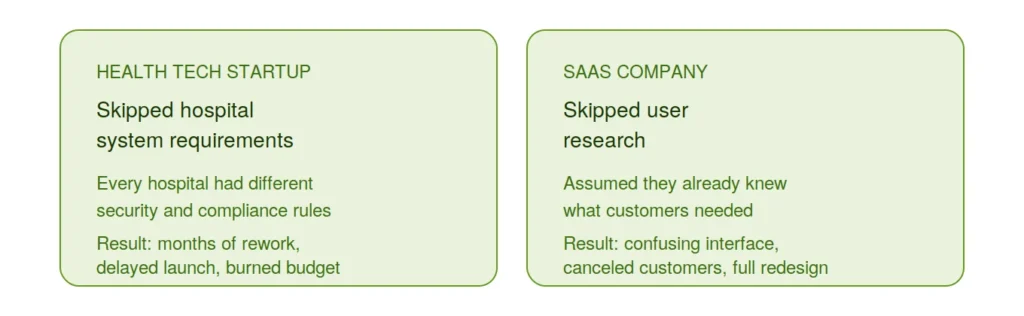
A SaaS company made a different but equally expensive mistake. In their rush to launch, they skipped user research, convinced they already knew what their customers needed. But after release, the feedback was brutal, the interface was confusing, and the workflow didn’t match how users actually worked.
Customers canceled, and the team had to go back and redesign the entire system. A proper blueprint with user validation would have saved them from building the wrong product in the first place.
Skipping the planning phase doesn’t just create headaches, it puts your entire project at risk. Whether it’s wasted development time, budget overruns, or frustrated users, the cost of not having a blueprint is far higher than the time it takes to create one.
Cost Implications
Ignoring the blueprint doesn’t just risk the functionality of your software, it risks your finances too. It’s like buying materials to build a house, only to find they’re all wrong – that’s money you can’t get back.
In software terms, it means investing in development hours, technology, and resources that ultimately don’t contribute to the project’s success. You’re not just rebuilding parts of your software; you’re also trying to recoup sunk costs, a double blow to your budget and timeline.
In essence, neglecting the blueprint in software development can lead to a domino effect of issues, from unsuitable product design to financial losses. For health tech and SaaS ventures where precision and efficiency are paramount, this step is not just a formality; it’s necessary for success. If your project has already drifted off course, here’s how to get it back on track.
Want expert feedback on your software idea? Book a free consultation with us. We’ll walk through your concept, identify potential roadblocks, and help you build a roadmap for success.
The Blueprinting Process: A Closer Look
Initial Assessment and Requirements Gathering
In practice, this step looks like sitting down with your developer for real conversations, not one meeting, several. You’re not just listing features, you’re explaining the why behind each one, the same requirement analysis from above, but now happening out loud, in the room, with someone asking follow-up questions until the picture is complete.
For a health tech app, that conversation centers on the specific challenges doctors face in patient management. For a SaaS product, it’s about understanding how a business actually works day to day. Either way, it’s the same puzzle from Key Components, just assembled piece by piece instead of listed in the abstract.
Design and Architecture Planning
This is where those requirements from the last step actually turn into shape. The architectural design decisions get made here, in detail, not just as a concept: how patient data flows through a healthcare application, how privacy holds up under real use, how modules in a SaaS platform talk to each other. It’s the same architectural thinking from Key Components, just worked out at the level of actual data flows and system connections instead of a single bullet point.
Iterative Feedback and Adjustments
Here’s a truth bomb: Your first draft of the blueprint won’t be perfect. And that’s okay. The iterative process is where the magic happens. It’s about taking feedback, making adjustments, and evolving the blueprint. It’s a cycle of review, refine, repeat.
This step ensures that the final product really resonates with user needs and expectations. It’s about fine-tuning the details, ironing out any kinks, and making sure that every feature aligns perfectly with the client’s vision.
The blueprinting process is a journey. It’s meticulous, it’s collaborative, and it’s absolutely critical. By taking a closer look at each of these steps, it’s clear how they contribute to building software that’s not just good, but great. It’s about laying down a path to success, one step at a time.
From Idea to Execution; Without the Guesswork
A well-planned blueprint saves time, money, and frustration. It’s the difference between a smooth development process and a costly rebuild. At Technology Rivers, we make sure you start with a plan that sets you up for success.
The Technology Rivers Approach to Blueprinting
At Technology Rivers, we don’t start coding until there’s a clear plan in place. A great software product isn’t built on assumptions, it’s built on a blueprint that maps out every detail before development begins. As Ghazenfer Mansoor puts it when explaining the blueprint process on Lessons from the Leap, without it “there are chances of failure.”
Our approach ensures that every feature, interaction, and backend process is defined upfront, reducing costly revisions and keeping projects on track. Here’s how those same building blocks show up in a real Technology Rivers project, step by step.
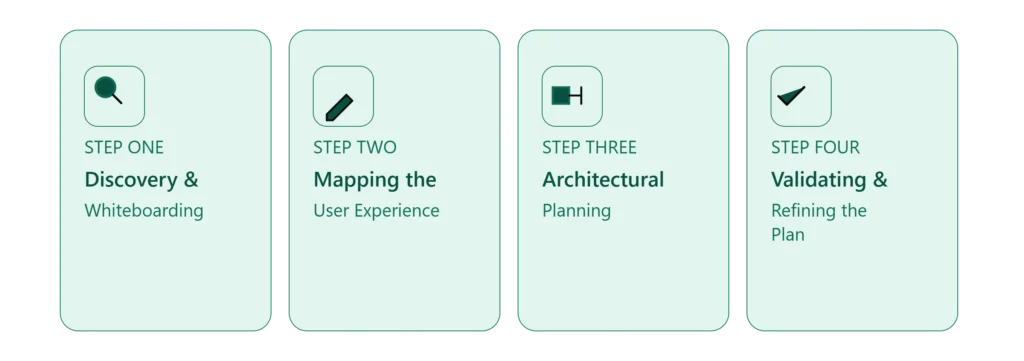
Step 1: Discovery & Whiteboarding
The first step is understanding your vision, goals, and user needs. We collaborate closely with you to define what success looks like, uncover potential challenges, and outline the core functionality. Whether you have a rough idea or a detailed spec, we refine it into a structured plan through hands-on software requirements gathering.

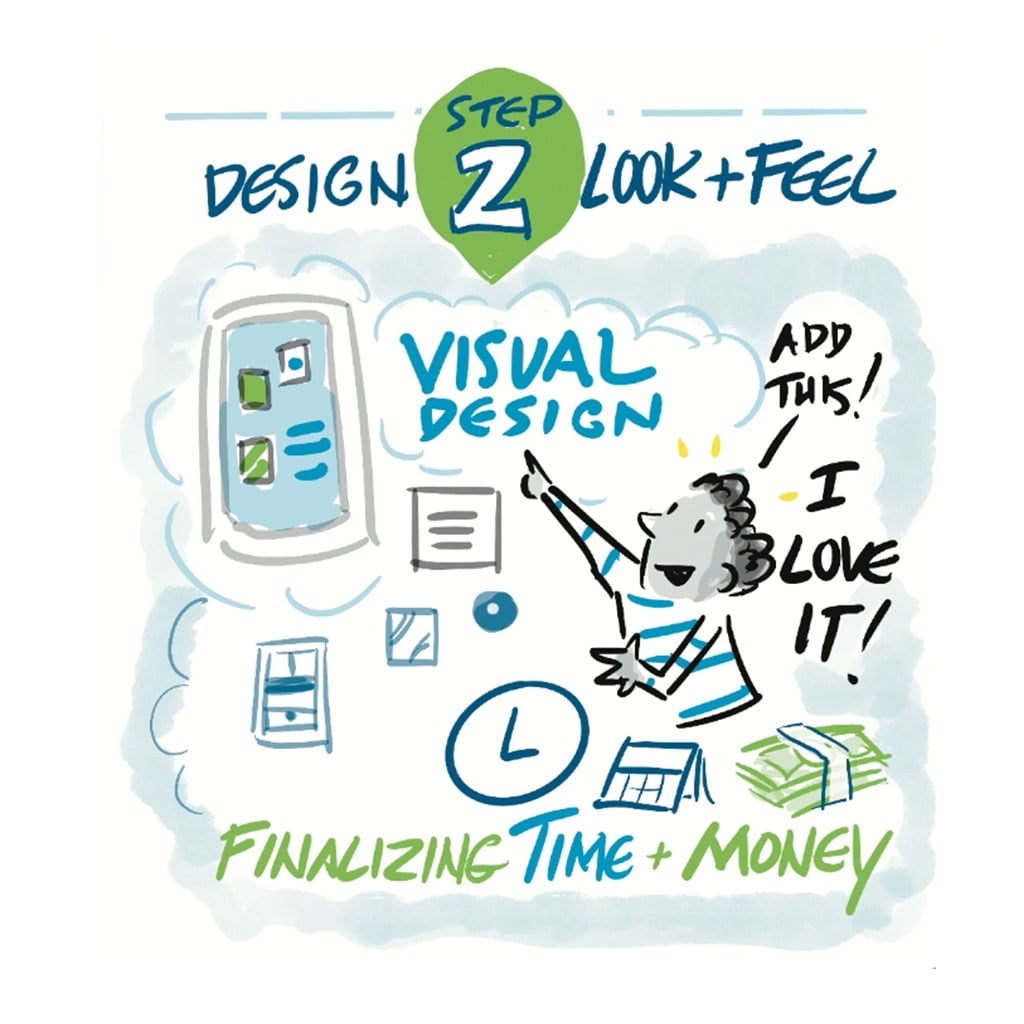
Step 2: Mapping the User Experience
Next, we focus on how users will interact with the software. We map out the entire flow from the first screen they see to key actions they take. This ensures the design is intuitive and aligns with real user needs, not just assumptions.
Step 3: Architectural Planning
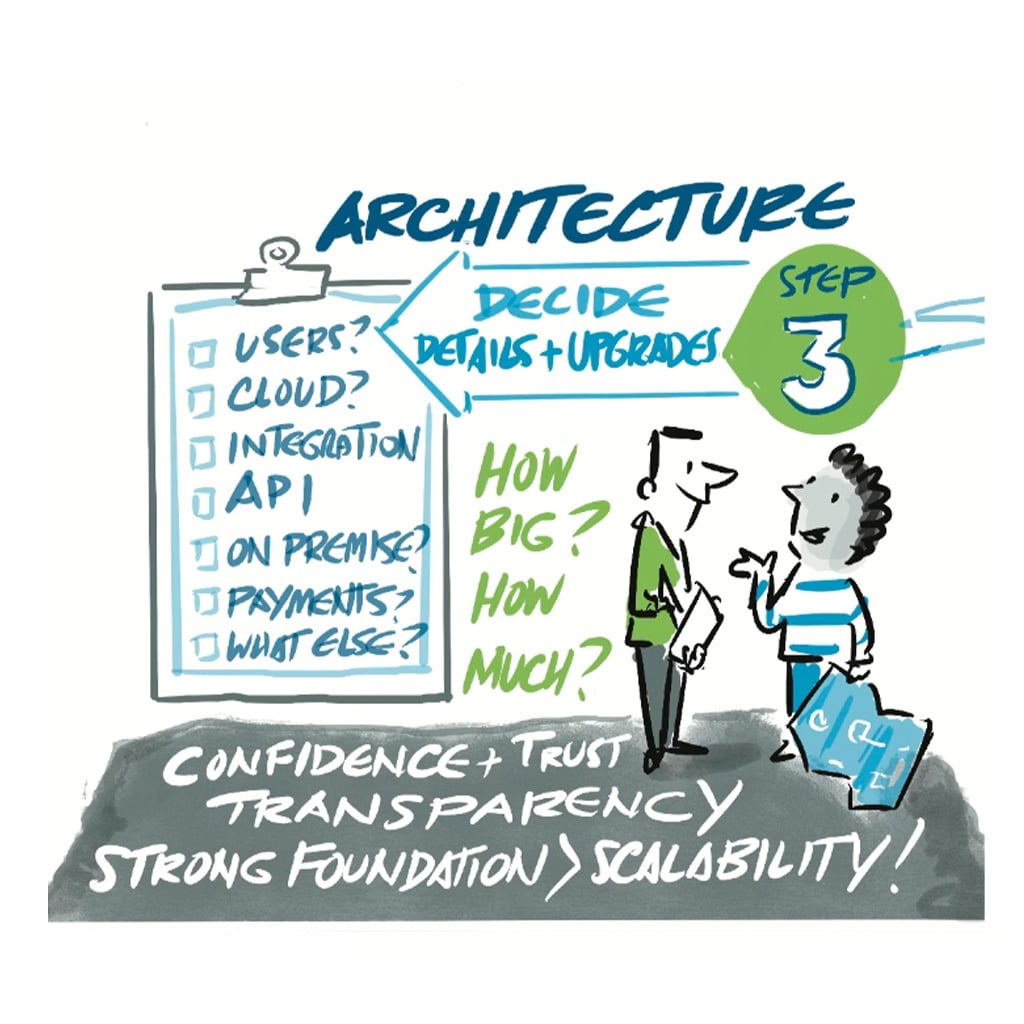
Now, we get technical. This is where we define how different components of your software connect. Will it integrate with existing systems? What data structures are needed? How do security and scalability factor in? By answering these questions early, through disciplined software architecture planning, we prevent roadblocks later.
Step 4: Validating & Refining the Plan
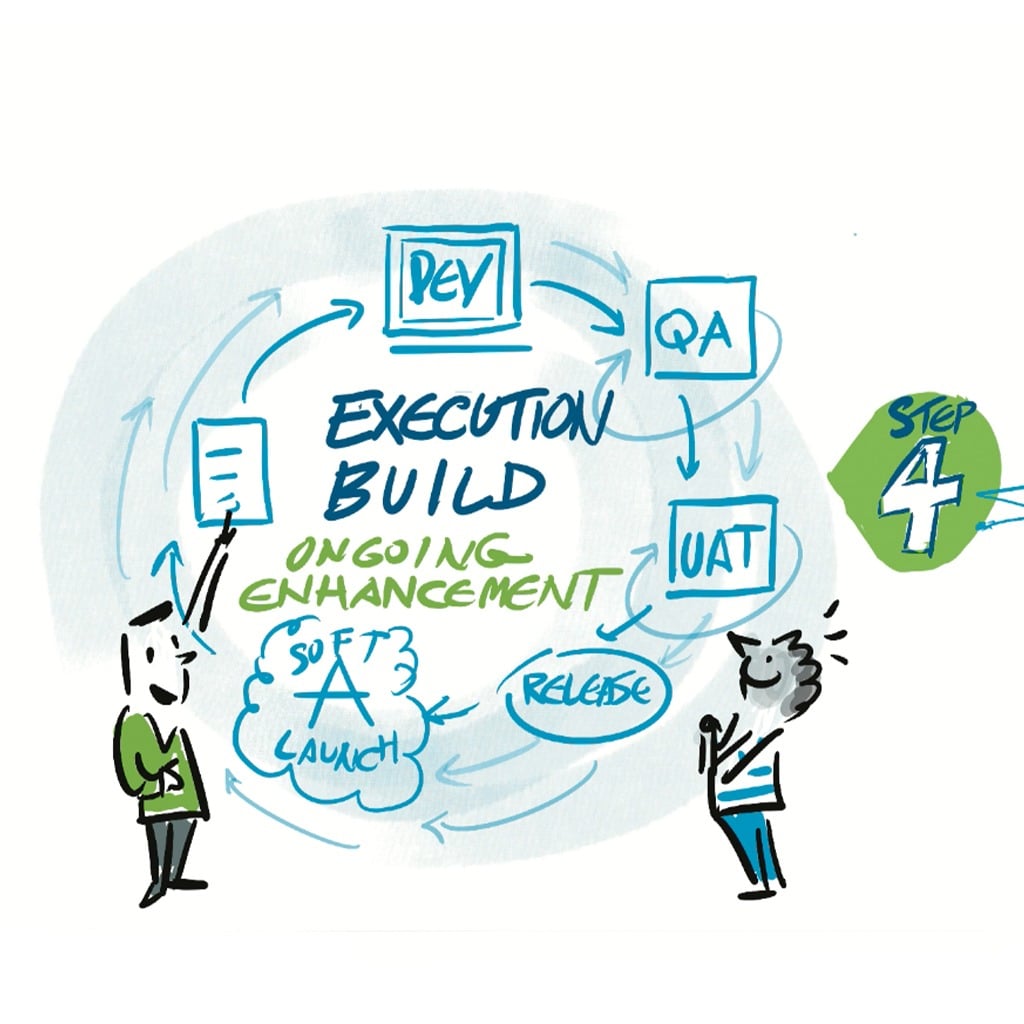
A blueprint isn’t static, it evolves. We gather feedback, refine details, and make sure everything aligns with your business goals and user expectations. This iterative process ensures the final plan is rock-solid before development begins. You can see how this plays out across our work.
Plan First, Build Smarter
Planning your software the right way can save months of wasted effort. If you’re starting a new project and want to avoid costly missteps, now is the time to get your blueprint right.
At Technology Rivers, we help businesses define their software from the ground up, mapping out user flows, architecture, and technical requirements before a single line of code is written.
Let’s make sure your next project starts on solid ground. Get in touch today.